
Do you wish to trace the whereabouts of your kids’ phones as a parent, or are you an employer trying to locate a worker’s Phone? If so, you have come to the correct place because we’ll show you how to ping a phone to determine where it is. This method might work with your Sprint flip phones as well.
Pinging a phone to determine its location is a straightforward process. You need to open the Command Prompt and type ‘Ping.’ Give a space, then type the IP address of your Phone and press Enter.
Do you know how to ping a mobile phone location using your smartphone? If not, we’ll show you how to do it. We’ll demonstrate different methods for pinging a phone here.
Our top picks for fixing- how to ping a phone
Hence today, we are here to show you how to ping a cell phone. You can do this by the following methods:
For Android
To ping a cell phone which runs the Android OS is simple and effective. To accomplish the process to ping an Android phone, the user will have to ensure you can remotely locate the other device.
 You can do so by selecting the settings and the security option. Once within the security option, locating this device remotely will activate the GPS in the background. After executing the above process, you can now ping the Phone. Now, the user has to access the Android device manager.
 After entering the application, login into the Google account. The Phone that you have will allow you to ping it from any location on the condition through that exact location.
For iOS
To ping a cell phone that uses iOS is as simple as pinging one that runs the Android OS. To execute this, the user must primarily turn on the option to find the Phone within the iCloud settings.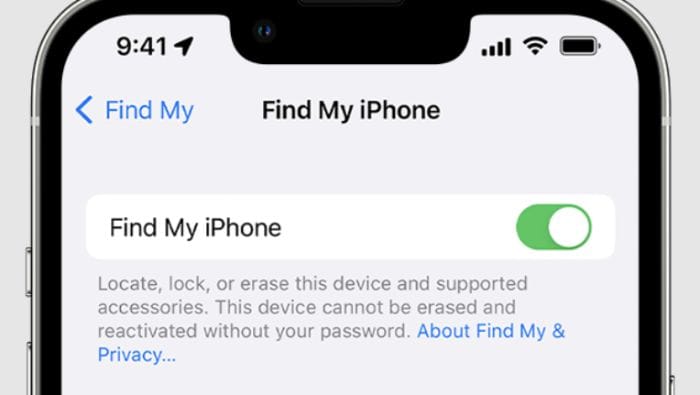 Once it’s complete, the user can install and initialize the find my iPhone application on any device which supports it. The user must enter his Apple ID through this software, which you can link to the iPhone to ping the device.
See Also: – How to Find Someone Using their Social Security Number?
Trackers
If none of the above tips couldn’t help you, there’s only one choice: to fall back into a third-party application available in any respective app store. Since almost every cell phone in the current market is iOS or Android, the support by third-party applications is unparalleled. A phone tracker is one of the many applications we have scrutinized and found suitable for pinging a cell phone.
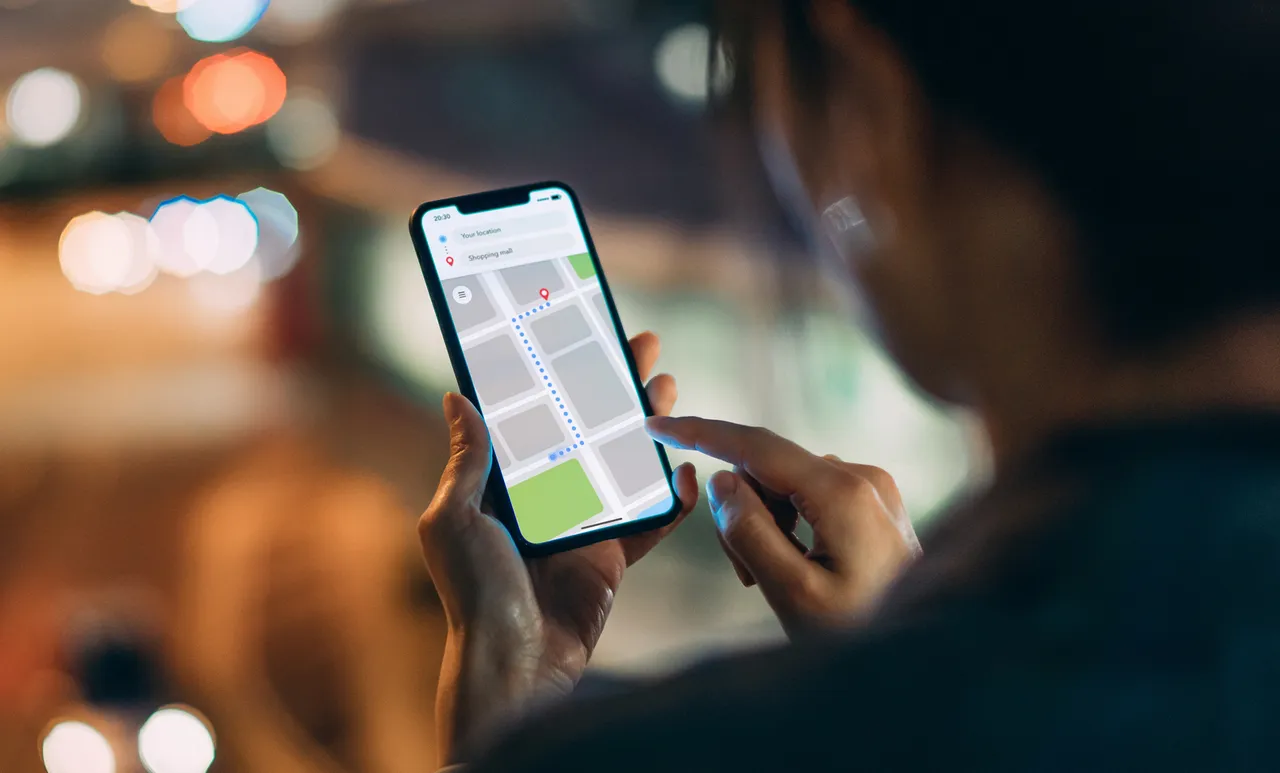
Phone Tracker is software that converts your Phone into a GPS, allowing it to track in real-time. The specialty of this application is that it will derive a twenty-four-hour map showing the locations the Phone has been.
Cell providers
The other way the user can ping a cell phone is by contacting the cell service providers. This depends upon the correct and accurate knowledge of which service provider the Phone you need to ping.
 There are a lot of formalities that one will have to go through to ping the Phone through the service providers. Hence we recommend you refrain from executing this step as it can lead to many complications and problems in the future.
Investigators
The final and last tip to ping a cell phone we can give you is to hire a private investigator. We recommend a private investigator if you want to ping someone else’s Phone.
 While on the other hand, if you have lost your cellphone, we suggest contacting the police for help. If they don’t take your concern seriously, contact private investigators or get your service provider to ping your cell phone.
Life 360
Another excellent GPS tracking app that lets you ping your Phone to find it is Life 360. It offers a lot of incredible features. You can locate your missing device and members of your family.
There are many additional location monitoring applications for Android and iPhone.
 These GPS tracking apps help determine a device’s current location but won’t function if your missing device isn’t enabled or a phony GPS app has been downloaded.
Get Here: Life 360
Use the Ping app to ping a phone from anywhere
Carriers assist their consumers by tracing the whereabouts of their lost phones. To locate the Phone, they employ a triangulation technique. As a last resort, you can also ping your Phone by contacting your carrier if none of the other options work. Using how to ping a phone is demonstrated here.
- Search for Ping on your smartphone’s Play Store (or AppStore).

- Run Ping (or any other program you choose) when installation is complete.
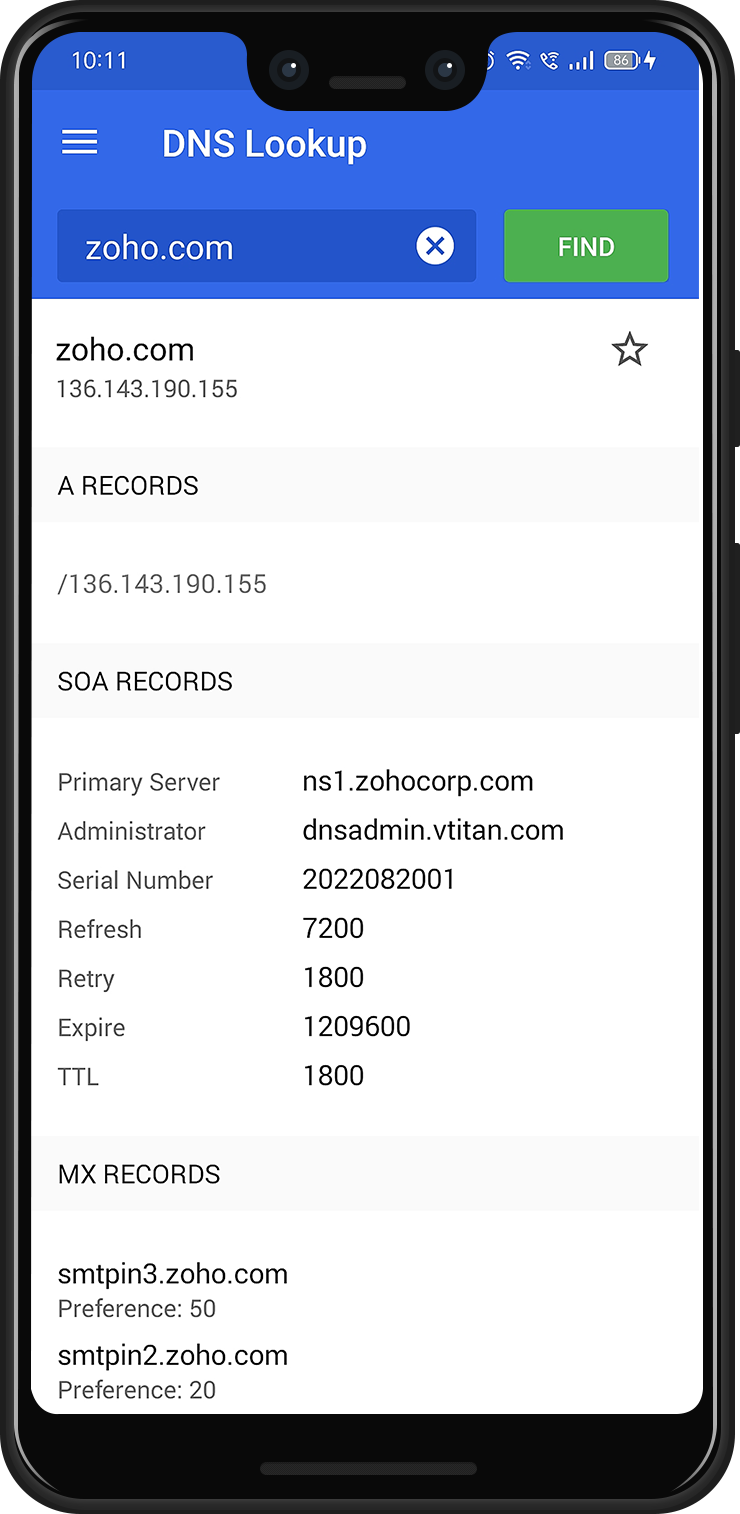
- Next, type the IP address of the mobile device, 192.168.8.101, and choose Ping or Start.
See Also: How To Track A Cell Phone Location Without Them Knowing
Google Maps
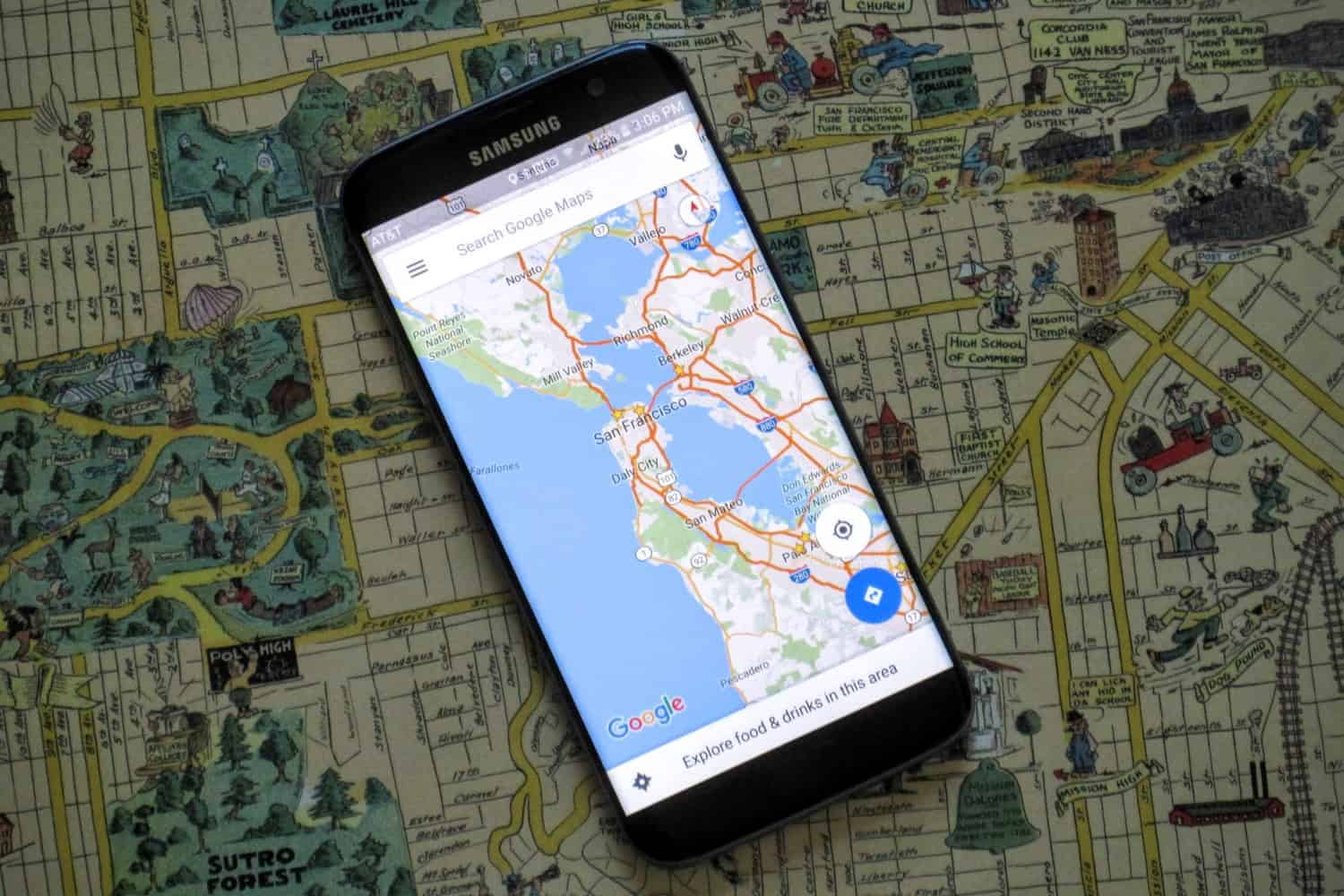
Google Maps is one of the finest and most dependable GPS tracking programs to ping Android and IOS devices for smartphone location. On both iOS and Android smartphones, this app is available for free usage.
 This technique allows you to set up sharing choices and locate a missing device using Google Maps.
See Also: Top 12 Google Maps Alternative Services To Use In 2023
Test computer communication
Another method to locate a lost item is to ping it from a computer. You can use a laptop to ping your phone to find out where it is.
Follow these guidelines to ping a phone from a computer (how to ping a phone):
- Choose the “Settings” menu on Android smartphones from the drop-down list.
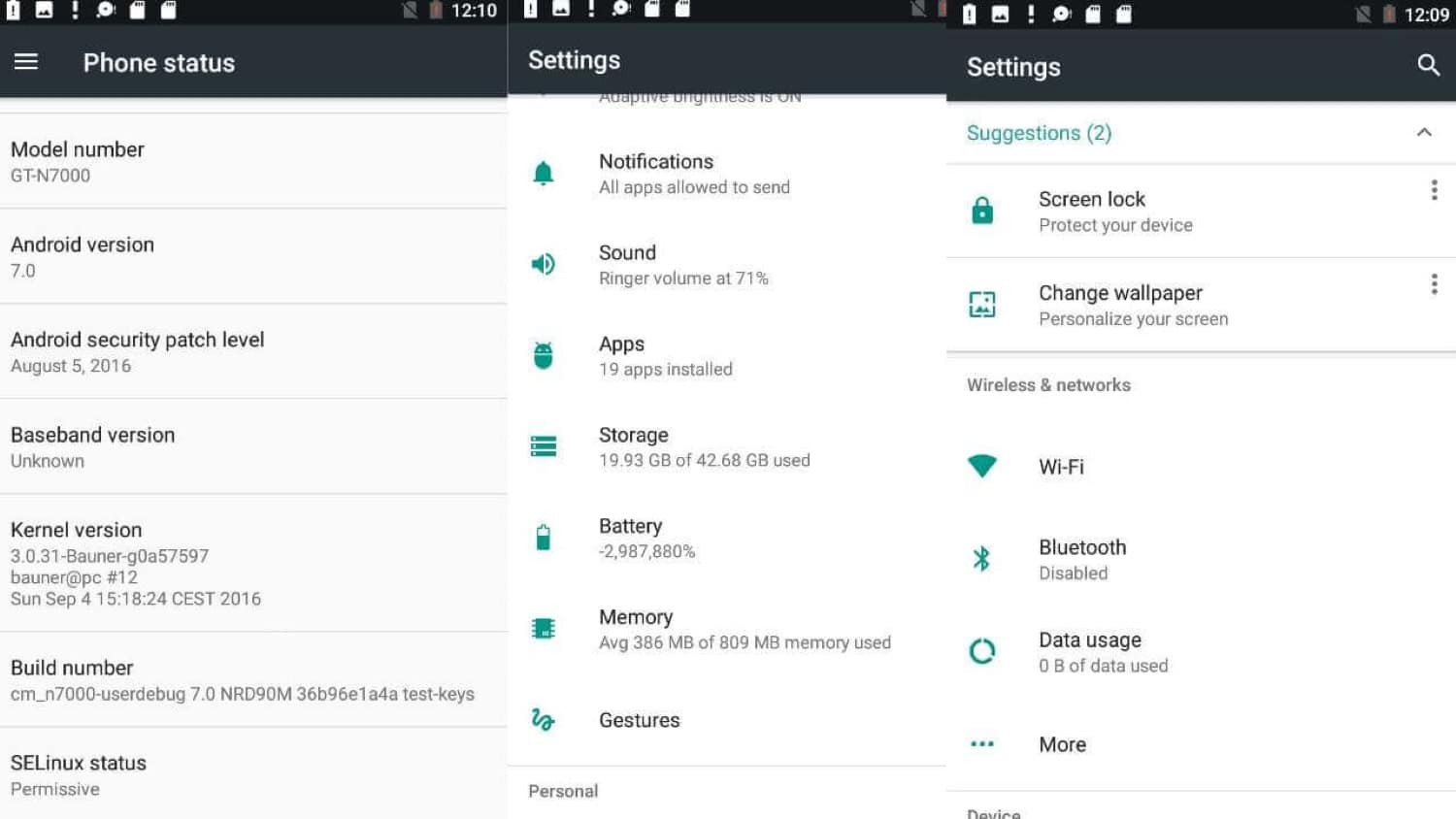
- Then select “Status” after selecting “About phone.” Once it’s running, go to Windows Command Prompt to obtain your IP address.
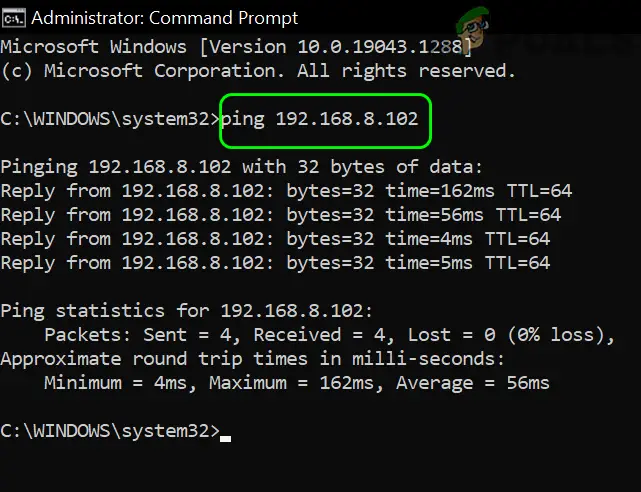
- Run CMD as an administrator after that. After entering your Android smartphone’s “ping” and IP address, press “Enter.”
View your phone number information.
Numerous apps make it simpler to remember phone numbers by adding a universal caller ID to mobile devices. The device’s location or the SIM card number can also be determined by looking up phone number information. This is how to ping someone’s Phone.

Some of the most well-known phone number tracker apps that allow you to look up the identity, registration address, and other details of the SIM card owner include True Caller, Shock Caller, and CallApp. This con is more effective at identifying unknown calls.
This Blog: Fix “Emergency Calls Only” Error On Android Quickly With This Guide
FAQs
How To Ping A Phone Location Free?
1. Look for Ping on the Play Store on your smartphone (or AppStore) to get started. 2. Run the Ping after installing Ping (or any other program you choose). Download the Ping app to your smartphone. 3. Next, enter the IP address of the mobile device, such as 192.168.8.101, and choose Ping or Start.
Pinging A Cell Phone Is It Against The Law?
Government laws apply to pinging a mobile phone. The law clarifies that tracking a person's cell phone is unlawful without their permission. A criminal investigation or 911 emergency calls are the sole exceptions.
How To Ping My Location?
If you do not have a connection to the carrier's system, you cannot simply ping a mobile smartphone number. Only telecom companies and nearby law enforcement organizations have access to it. The civilian partner installs a phone tracking app that notifies the person who installed and managed it of the Phone's position. How to ping a smartphone to locate it.
Conclusion
We hope the advice on ‘how to ping a phone’ to determine its location proved helpful. You may use them and find out where it is by following the instructions in this article.
This article also addresses some frequently asked questions regarding how to ping a phone to determine its location.